About this blogI stopped using Agent mode in Copilot a few weeks ago. Hear me out why.
The Journey: From Stack Overflow to Agent ModeLike everyone else, I started using Copilots a few months ago. Before that, I was just asking questions in ChatGPT, getting answers, and trying to validate them myself. It still felt like a replacement for Stack Overflow. I was thinking, I’m still in control.
But after I started using Agent mode, I gave Copilot full control.
1. Two Workflows, One AgentIn the first blog, we explored Cuata’s architecture—how the Computer-Using Agent works with plugins, Semantic Kernel orchestration, and the Think → Select Strategy → Execute loop.
Now let’s see Cuata in action through two real workflows:
Teams Meeting Assistant: Joins your meeting when you step away, transcribes the discussion, takes screenshots of slides, and summarizes what you missed Browser Agent: Searches the web, reads articles, summarizes content, and writes findings into Microsoft Word Both workflows use the same plugin system but orchestrate different strategies based on the task.
1. What is Cuata?I built Cuata (Spanish for “buddy”) to solve a simple problem: What if you need to step away from your computer during a meeting for just a minute? Someone rings the doorbell, you get an urgent call, or you need to grab coffee. You don’t want to miss what’s being discussed, but asking teammates to catch you up later feels awkward.
Cuata is your digital twin buddy that steps in for you.
1. How Archaios Processes LiDAR and Satellite DataArchaios uses Python services running in Azure Container Apps to process LiDAR point clouds and fetch satellite imagery. These services are event-driven — they spin up when needed, process data, and scale back to zero when idle.
Here’s the flow:
1 2 3 4 5 6 7 8 9 10 11 12 13 User Upload (LiDAR file) ↓ Durable Functions Orchestrator ↓ 📮 Azure Storage Queue: "lidar-processing" ↓ 🐳 Container App (Python service) - Auto-scales based on queue depth ↓ Processing (PDAL → DSM/DTM/Hillshade) ↓ 🔔 Raise External Event back to orchestrator ↓ Continue workflow (Multi-Agent AI analysis) Two Python services run in Container Apps:
1. Why Multiple AI Agents?After processing LiDAR elevation data and satellite imagery, Archaios has terrain features (hillshade showing mounds/ditches), vegetation patterns (NDVI showing crop stress), and infrared composites (false color highlighting subsurface anomalies).
But here’s the problem: A single AI analyzing all this data tends to be over-confident or overly cautious.
Think about how real archaeological evaluation works:
A terrain specialist identifies if elevation changes are natural erosion or human-made structures An archaeological analyst determines if features match known settlement patterns An environmental expert assesses if the location makes sense for human habitation A team coordinator synthesizes their debate into a final decision This collaborative process — with debate, challenge, and consensus — is far more reliable than a single expert opinion.
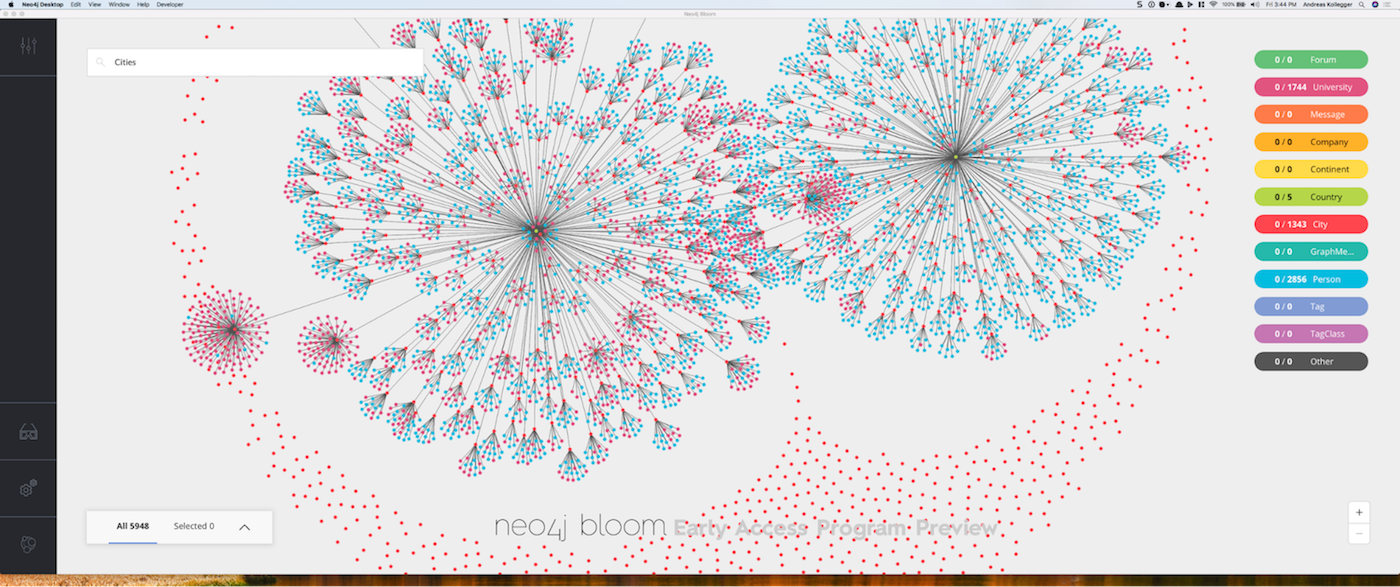
1. Why Graph Databases for Archaeological Data?Archaeological discovery isn’t just about storing data — it’s about understanding relationships:
A site HAS_COMPONENT (hillshade imagery, NDVI data, agent analysis) A user CREATED a site AT a specific timestamp A site BELONGS_TO a category (settlement, burial, defensive) An analysis DETECTED_FEATURE with a confidence score A feature HAS_COORDINATES at a specific location Traditional relational databases force you to model these relationships as foreign keys and join tables.